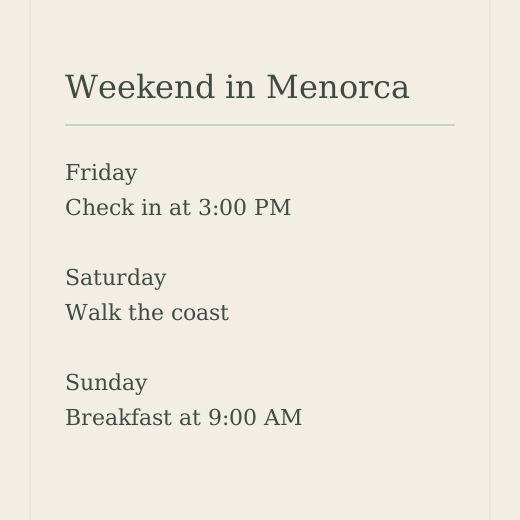


Menorca, SpainA little closer
to the sea.
to the sea.
A quiet house. A long weekend.

For Mac, iPhone and iPad
What you keep is already at hand when you need it.
And ready to hand to your AI.
Free for 7 days on Mac. No credit card required.
A booking code, the plan for next week’s launch, the address a friend sent, the quote you meant to send. Words, pictures, links, files and video, together in one working memory that grows more useful the longer you use it.
Press Option twice wherever you are. What you just kept is right there. Press Return and it’s pasted where you were typing.
No digging through folders, no scrolling back through chats.
The Quick Panel opens on everything, newest first. Suggested, the first pill, has already picked what you’re likely to need right where you are: what you use most in this app or on this site, and what you just brought over from another one.
Press ⇧⌘C and copy what you need, one thing after another. Then each ⌘V pastes the next one, field after field. When the last one goes in, the tray is gone.
Drag to change the order, or press ⌘T in the Quick Panel to add something you kept earlier.
Every item keeps its origin: the app, the page and the moment you kept it. Search finds it by the page it came from, even when you’ve forgotten the words.
It learns only from what you do inside Flicopy.
Flicopy doesn’t watch your screen or follow you around. Everything in it is there because you put it there, which is exactly what makes it worth keeping.
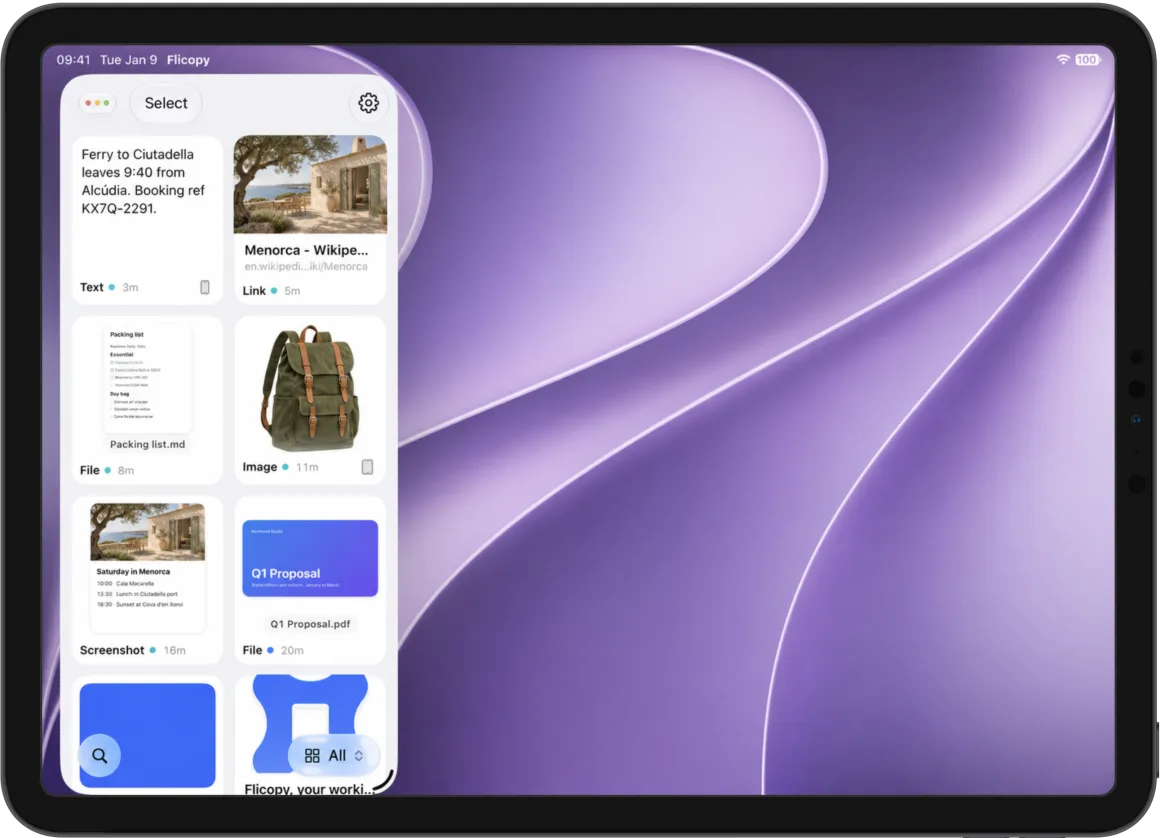
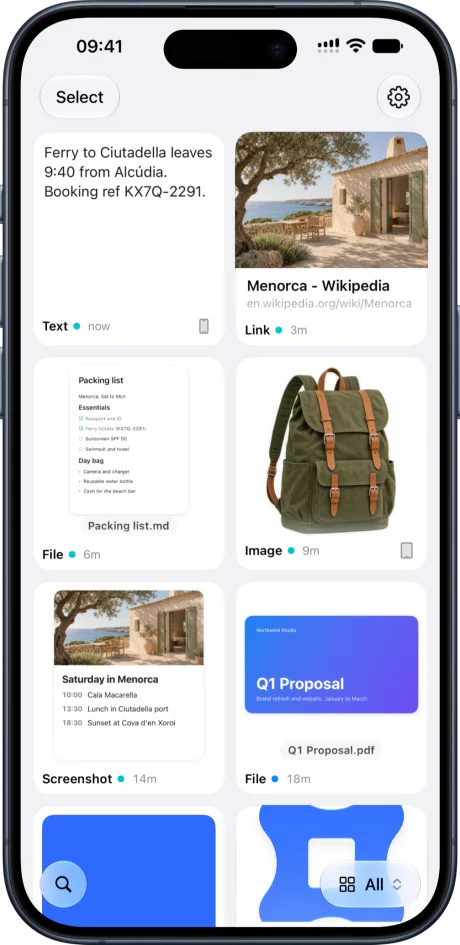
Your working memory lives on your Mac and, if you like, in your own iCloud, so it’s on your iPhone and iPad too. You decide how long recent things stay. What matters goes into a category and stays until you delete it.
Recent things clear on your schedule, from a day to never.
In a category, it’s kept until you delete it.
Copy on your Mac, paste on your iPhone. It syncs through your own iCloud, encrypted on your device before it leaves. Neither Apple nor Flicopy can read it.
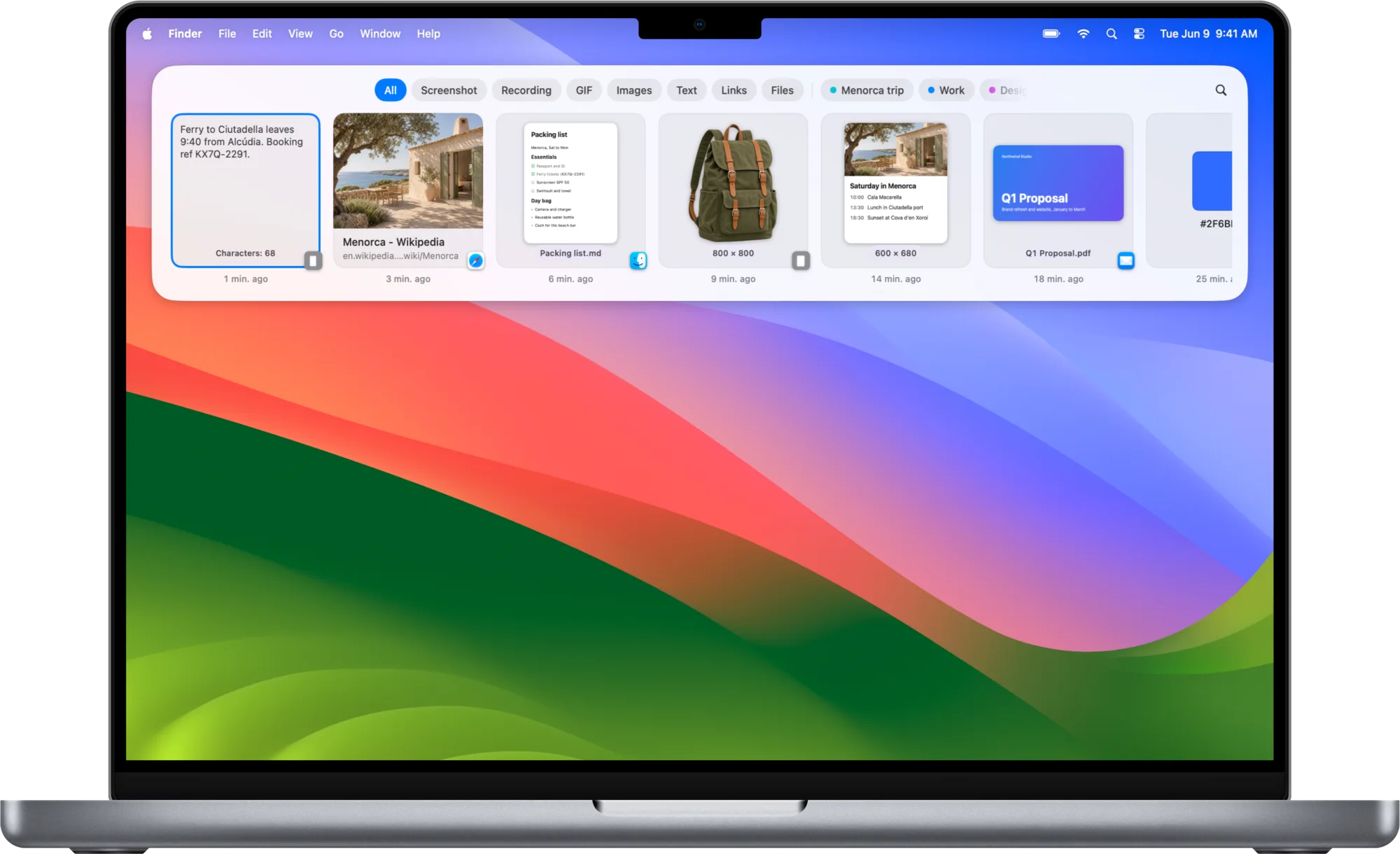
Press Option twice in any AI, as an app, on the web or in a terminal. Suggested has already picked what you’re likely to need there. Select a few, press Return, and they go in together.
Not tied to any one AI. Flicopy doesn’t plug into Claude, ChatGPT or anyone else. It pastes, so it works with every AI you can type into, and with whatever comes next.
Flicopy brings the context. The thinking stays with the AI you already use, and nothing leaves your Mac until you paste it.
Everything a screenshot and screen recording app does, plus voice input that runs on your Mac, built in. However you keep something, it lands in the same place.
Text, links, images and files you copy are kept with the app and page they came from, newest first.
Learn moreHover a card, a button or a menu and capture just that, down to the pixel, hover states included.
Learn moreA long page or conversation, scrolled for you and stitched into one image.
Learn moreVideo or GIF, with your voice, system sound, your camera and highlighted clicks.
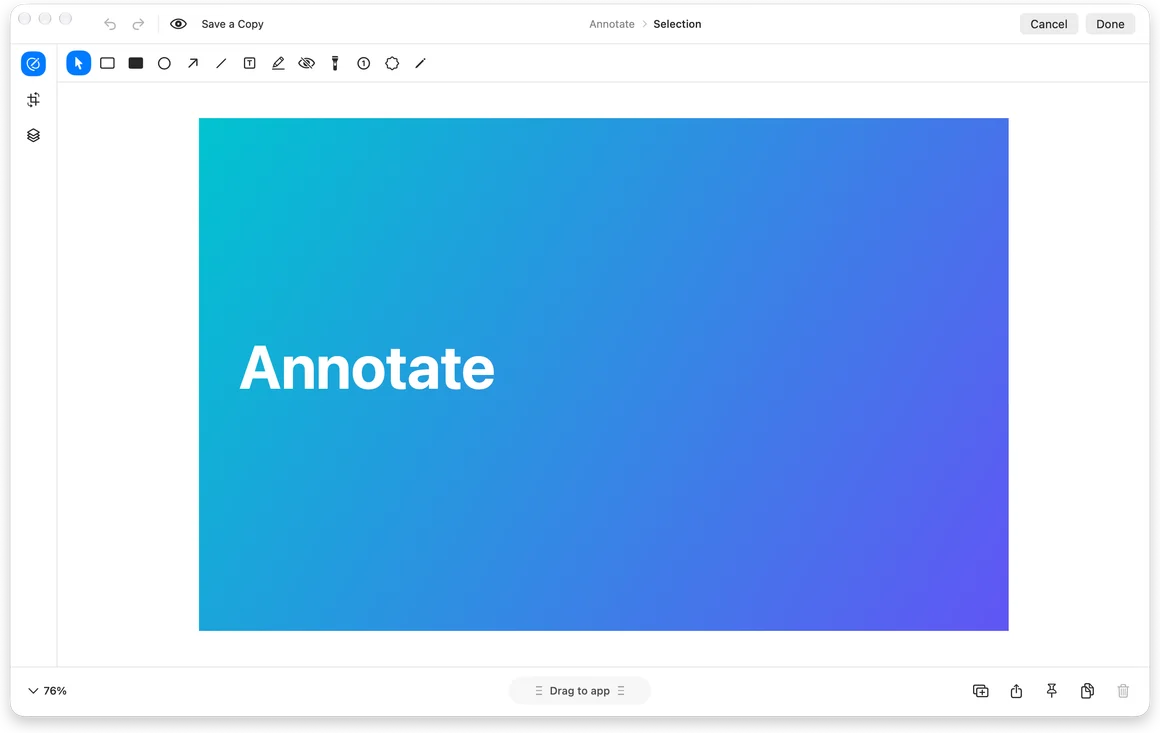
Learn moreArrows, text, blur, highlights and clean backgrounds, with sensitive text covered for you.
Learn moreRemove the background from any image on your Mac, leaving just the subject on transparency.
Learn moreText inside any part of the screen is recognized on your Mac and ready to paste. QR codes too.
Learn moreEach capture waits in a small preview to copy, save, edit or pin above your other windows.
Learn moreStart with the full app, free for 7 days.
Make it part of your Mac when you’re ready.
Your working memory.
Regular price $29.99USD
$10.99USD
Launch price until December 6, 2026, 12:00 a.m. Pacific. Then $29.99.
Make it yours before the price goes up.
Taxes calculated at checkout.
Flicopy is your working memory on the Mac. What you copy, capture and record stays in one place. Press Option twice in any app and the Quick Panel brings it back, ready to paste, drag or hand to your AI.
In psychology, working memory is what you hold in mind while you are doing something: the details at hand right now, not a long-term archive. Flicopy keeps that for you, so the booking code, the launch notes or the address a friend sent is there when you need it.
It does what a clipboard manager does, and more. Copied text, links, images and files are kept, and so are your screenshots and recordings, each with where it came from. It all lives in one working memory instead of a list of past clipboards.
Only what you choose to keep: what you copy, capture or record, and how you use it inside Flicopy. It does not record your screen in the background, the pages you browse, the files you open, the keys you type or how long you spend in apps.
As long as you like. Recent items clear themselves on the schedule you choose in Settings, from one day to never. Anything you put in a category stays until you delete it.
Yes. Download Flicopy and start a 7-day trial with the full app. No credit card required. You’ll need to be online to start your trial.
Yes, and no. Press right ⌘ and right ⌥ in any text field and speak: Flicopy recognizes your speech, removes fillers and false starts, keeps your own words and pastes the result. Recognition and tidying run entirely on your Mac, the audio is discarded after each dictation, and it works offline. Choose Basic (built into macOS, no download), Standard or Advanced in Settings › Voice Input.
Flicopy runs on Macs with Apple silicon or Intel processors running macOS Sonoma 14 or later. One download works on both.
Yes, if you turn on iCloud sync. Your working memory stays the same on up to two Macs and on your iPhone and iPad. It is stored in your own iCloud account, not on a Flicopy server, and every item is encrypted on your device before upload with a key kept in iCloud Keychain. Neither Apple nor Flicopy can read it. Sync is off until you turn it on.
Yes. Flicopy for iPhone and iPad is free on the App Store and needs iOS or iPadOS 26 or later. It shows what you kept on your Mac, adds a keyboard that types your items into any app, and saves pages, photos and files from the share sheet. Browsing and searching are free. Copying, organizing and syncing with your Mac need a license: the one you bought here works on the iPhones and iPads signed in to one iCloud account, or buy Lifetime Unlock in the app, which also covers up to two Macs.
No. One purchase gives you a Flicopy license for up to two Macs, and for the iPhones and iPads signed in to one iCloud account.
Your license is sent to the email address you use at checkout. To recover your key or remove an old device, open License Manager in the navigation and verify your purchase email.
Activation needs an internet connection. An activated Mac can work offline for up to seven days between license checks.
7 days free. Make yourself at home.





 Evening, Ana