 Memory_review.pdf




Quotes with their source
Copy a passage and it keeps the app and page it came from. Point at the card to see the page, and search finds it by the page title when you are writing the citation.
Quick PanelEvery quote remembers where it came from.
Reading for a paper, a thesis or a report means a hundred small finds across articles, PDFs and lectures. Flicopy keeps each one with its page and app, so you can cite it, find it and hand it to your AI to work with.
Paste into Word, Pages, Google Docs, Notion, Obsidian, Zotero notes and your AI.
Copy a passage and it keeps the app and page it came from. Point at the card to see the page, and search finds it by the page title when you are writing the citation.
Quick PanelSelect a slide in a recorded lecture or a scanned PDF and the words are on your clipboard, recognized on your Mac. Vertical Chinese, Japanese and Korean text comes back in reading order.
Text recognitionKeep a long page as it looked when you read it, with scrolling capture.
Scrolling captureA category for each course or chapter keeps its sources together and keeps them until you delete them, however long the term runs.
CategoriesSelect five quotes and their links and paste them into your AI together, then ask how they disagree. The answer starts from what you actually read.
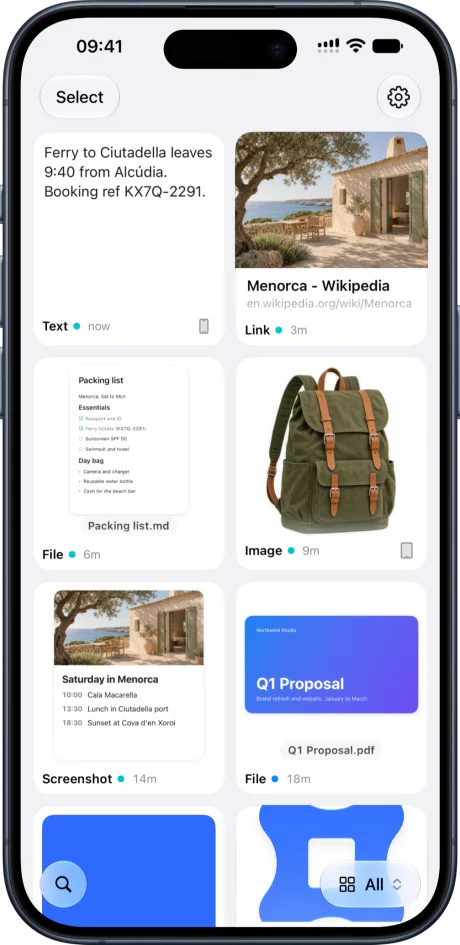
Give your AI contextShare an article or a photo of the whiteboard to Flicopy on your iPhone or iPad, and it is on your Mac when you sit down to write.
Flicopy on iPhone and iPadAn AI that summarizes from memory can invent a source. Paste the passages and their links, and ask it to work only from those.
Your notes stay yours: Flicopy keeps them on your devices and in your own iCloud, and sends nothing on its own.
Items in a category stay until you delete them. Everything else clears on the schedule you choose.
Yes. Each item keeps the app it came from, and for web pages the page title and address, which search also covers.
Yes. Text recognition reads anything visible on screen, including PDFs, images and videos, and runs on your Mac.
Yes. Text is recognized on your Mac with Apple Vision, so it works without an internet connection and nothing is uploaded.
Everything you copy and capture, at hand in any app when you press Option twice.
Copy text from any image or screen, locally.
A long webpage or chat as one continuous image.
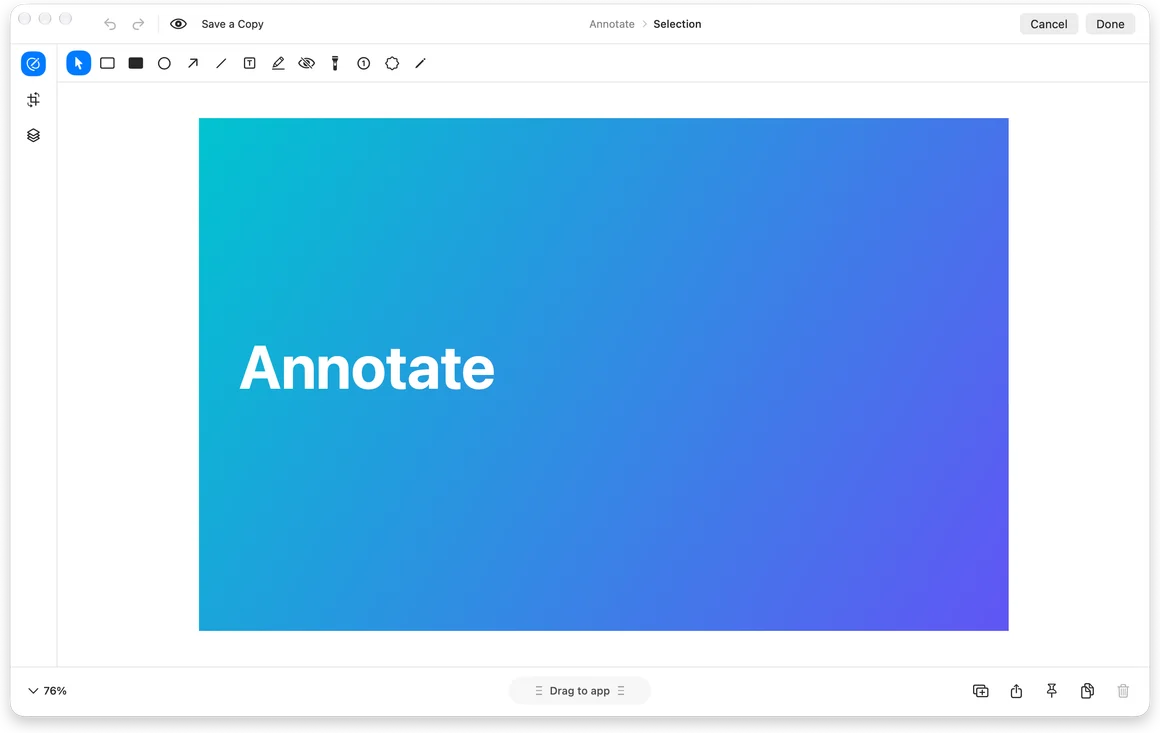
Area, window, full screen, text and recording from one toolbar.

7 days free on Mac, no credit card. Free download on the App Store.