 Claude




A prompt library without a new app
Copy a prompt that worked, add it to a category such as “Prompts”, and rename the card so you can find it. It stays until you delete it, and it sits next to everything else you keep.
Categories in the Quick PanelYour prompts and context, ready for any AI.
If you use AI all day, the work moves from typing to gathering: the prompt that works, the brand guide, the notes from this morning, the screenshot. Flicopy keeps them together and puts them in the chat with one keystroke.
Works with ChatGPT, Claude, Gemini, Perplexity, Copilot and any AI you can type into, as an app or on the web.
Copy a prompt that worked, add it to a category such as “Prompts”, and rename the card so you can find it. It stays until you delete it, and it sits next to everything else you keep.
Categories in the Quick PanelPress Option twice in Claude and Suggested shows what you give Claude. Do it in ChatGPT and it picks differently. On the web it goes by the site, so Gemini in Safari gets its own picks.
Select the prompt, the reference text and two screenshots, then press Return. Text arrives joined line by line, and images as attachments, in the order you picked.
Paste context into any AICopy the good part of a reply and it is kept with the app it came from, and on the web with the page too. Next week it is still there, in a category if it is worth keeping for good.
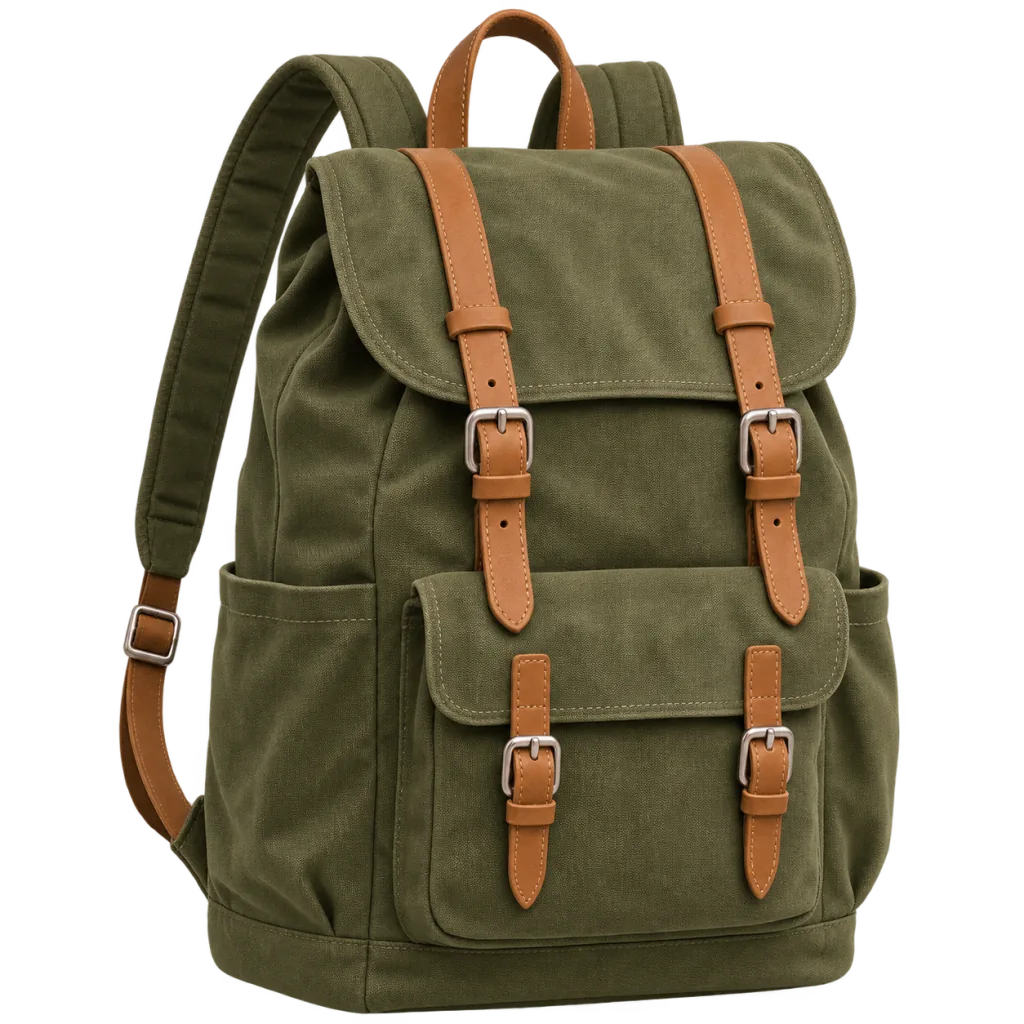
Recognize the text in a slide, a PDF or a video, capture a whole thread as one image, or lift a product out of its photo before you ask an image model to work with it.
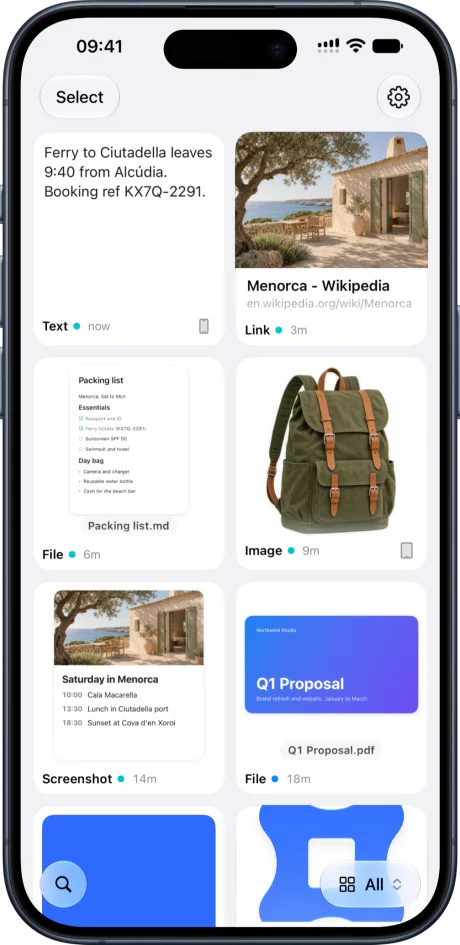
Text recognitionTurn on iCloud sync and your prompts are in Flicopy for iPhone and iPad. The Flicopy keyboard puts them into the ChatGPT or Claude app with a tap.
Copy from Mac to iPhoneFlicopy does not plug into Claude, ChatGPT or anyone else, and it does not run a model or charge for one. It pastes, so it works with every AI you can type into and with whatever comes next.
Nothing reaches an AI until you paste it. Your working memory stays on your devices and in your own iCloud, encrypted before upload.
Items in a category stay until you delete them. Everything else clears on the schedule you choose.
It works as one: keep prompts in a category, rename them, and paste them into any AI with Option twice. It does not fill in variables or templates. It is your working memory, so the prompt sits next to the screenshots, links and notes you paste with it.
Yes, in their Mac apps, on the web and in the terminal. Flicopy pastes like you would, so any AI that accepts text, images or files works.
Yes. With iCloud sync on, Flicopy for iPhone and iPad shows the same items, and the Flicopy keyboard inserts them in any app. It needs iOS or iPadOS 26 or later.
No. Flicopy sends nothing on its own. Items stay on your Mac, or in your own iCloud if you turn on sync, encrypted on your device before upload.
Everything you copy and capture, at hand in any app when you press Option twice.
Copy text from any image or screen, locally.
A long webpage or chat as one continuous image.
Lift the subject out of any image, locally.

7 days free on Mac, no credit card. Free download on the App Store.