 New post





The brand guide, once
Keep the voice notes and product facts in a category. In Claude, Suggested already has them ready, together with the plan you just opened, so every draft starts on brand.
Give your AI contextEvery post, on brand from the first draft.
Writing with AI is fast until you paste the brand guide for the tenth time. Flicopy keeps the voice notes, the links, the product shots and the quotes you reuse, and remembers which ones you give to which tool.
Paste into ChatGPT, Claude, your CMS, social schedulers, Figma and email tools.
Keep the voice notes and product facts in a category. In Claude, Suggested already has them ready, together with the plan you just opened, so every draft starts on brand.
Give your AI contextPut a capture on a gradient with padding and rounded corners, or tilt it into a 3D mockup. Save a canvas preset and apply it to every capture automatically.
Screenshot editorRecord the feature, add zooms that follow your pointer, speed through the waiting, and export MP4 for the site or GIF for social.
Video editorCapture a competitor’s landing page as one tall image, keep ads and headlines you like, and find them later by the site they came from.
Scrolling captureUTM links, bios, boilerplate and quotes live in categories and paste with ⌘1–9. The Tray fills a CMS form field by field.
Paste in orderLift a product or a person out of a photo on your Mac and drop it into a thumbnail or a banner.
Background removalPaste the brand guide, two posts that worked and the launch notes together, then ask for five hooks. The AI matches what it can read.
It works with whichever writing tool your team uses, because Flicopy simply pastes.
Items in a category stay until you delete them. Everything else clears on the schedule you choose.
Yes. Add a wallpaper, gradient or solid background with padding, shadow and rounded corners at the aspect ratio you need, or a 3D mockup. Save up to 20 canvas presets.
Yes. Record as video or GIF, edit with zooms, speed changes and trims, and export a GIF at the size you choose.
No. Flicopy is a one-time purchase for up to two Macs, with a 7-day free trial, and the license also covers your iPhone and iPad.
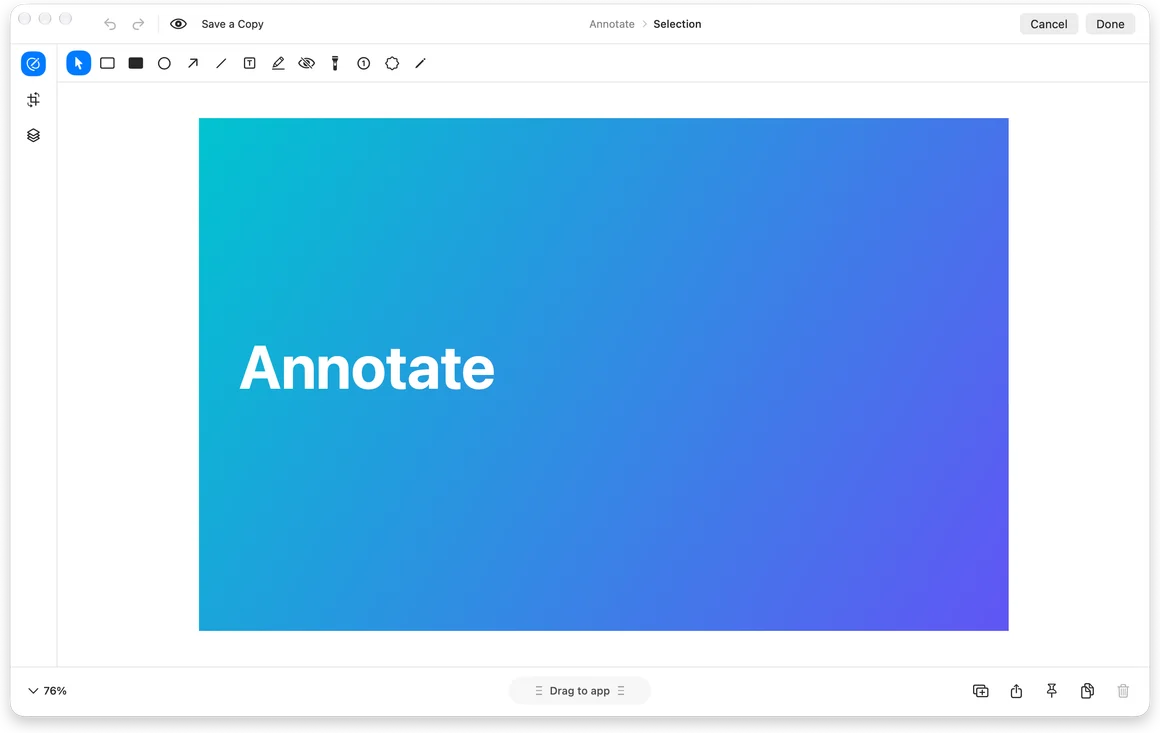
Arrows, text, blur, backgrounds and mockups.
Trim, zoom, speed up and export recordings or GIFs.
A long webpage or chat as one continuous image.
Lift the subject out of any image, locally.

7 days free on Mac, no credit card. Free download on the App Store.
 Claude