 ENG-482 · Export is hard to find




Quotes that keep their source
Copy a line from a support ticket, a Slack thread or a call note. Each item keeps the app and page it came from, and search finds it later by that page’s title.
Quick PanelThe evidence, already in one place.
A spec is only as good as what went into it: the customer’s words, the competitor’s flow, the bug you saw on staging. Flicopy keeps each piece with where it came from, so the draft starts from evidence rather than memory.
Paste into Linear, Jira, Notion, Slack, Google Docs and your AI.
Copy a line from a support ticket, a Slack thread or a call note. Each item keeps the app and page it came from, and search finds it later by that page’s title.
Quick PanelCapture a pricing page or an onboarding screen as one tall image with scrolling capture, then mark up what stands out.
Scrolling captureSelect the quotes, the screenshots and last quarter’s numbers and paste them into ChatGPT or Claude together, then ask for the problem statement. You edit a draft built on evidence.
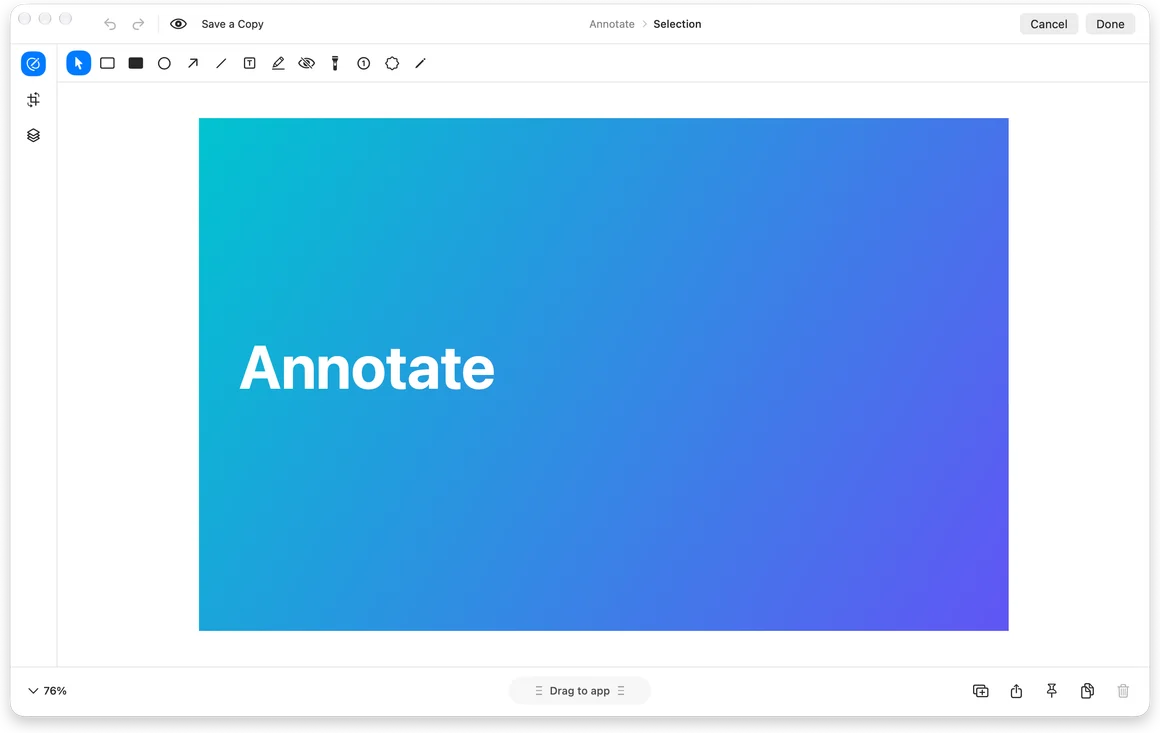
Give your AI contextCapture the broken element, add numbered steps and arrows, blur customer data with Auto Redact, or record the repro with clicks highlighted.
Screenshot editorPress ⇧⌘C and copy the title, the steps and the link in order. Each ⌘V pastes the next one into the next field.
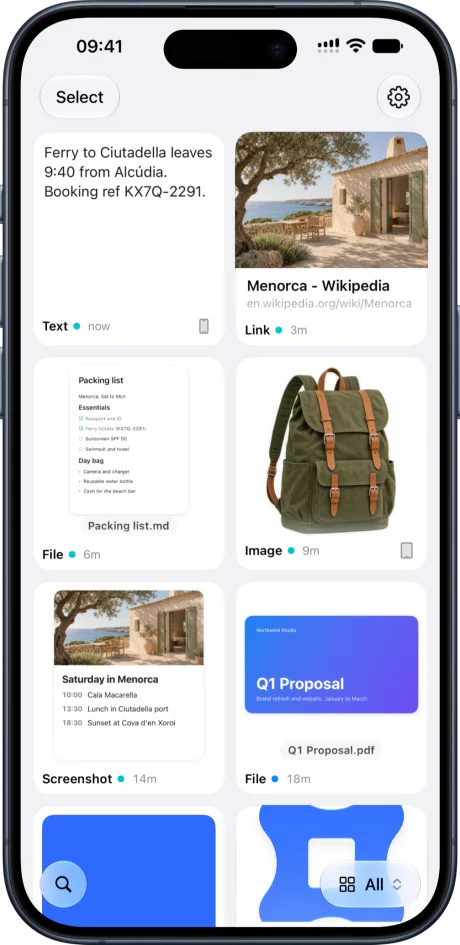
Paste in order with the TrayShare a page or a screenshot to Flicopy on your iPhone and it is waiting on your Mac when you write the spec.
Flicopy on iPhoneAn AI writes a weak spec when it only has your summary. Give it the customer’s words, the screenshots and the constraints, in one paste, and the first draft is closer to done.
Suggested learns where you use things: the context you give Claude is ready the next time you open Claude.
Items in a category stay until you delete them. Everything else clears on the schedule you choose.
Yes. Record an area, a window or the screen with your voice, highlighted clicks and keystrokes, trim it, and export MP4, MOV or GIF.
Yes. Flicopy pastes text, images and files into any app, and the Tray fills several fields in order.
No. Flicopy keeps items on your Mac, and with iCloud sync on, in your own iCloud, encrypted on your device first. It has no server of its own.
Everything you copy and capture, at hand in any app when you press Option twice.
A long webpage or chat as one continuous image.
Arrows, text, blur, backgrounds and mockups.
Video or GIF with audio, camera, clicks and keystrokes.

7 days free on Mac, no credit card. Free download on the App Store.